Three trigger types, one workflow
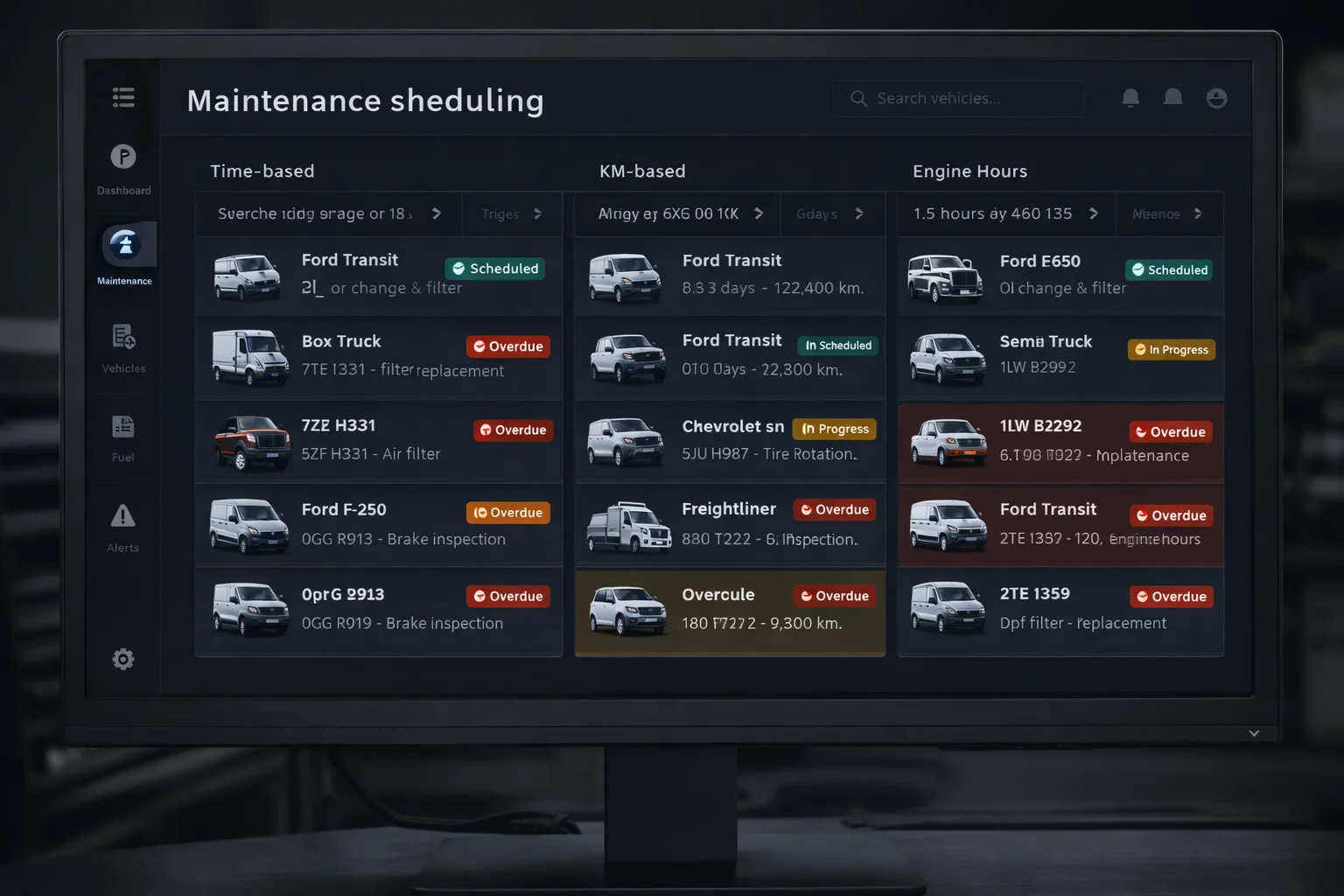
Schedule maintenance by calendar date, distance driven, or engine hours — or combine all three for a single vehicle. The platform monitors each trigger automatically and flags items before they become overdue.
- Time-based triggers: e.g., oil change every 6 months
- Distance triggers: e.g., tyre rotation every 10,000 km
- Engine-hour triggers: e.g., service every 250 hours
- Automatic overdue detection with alert notifications
Full service history, per vehicle
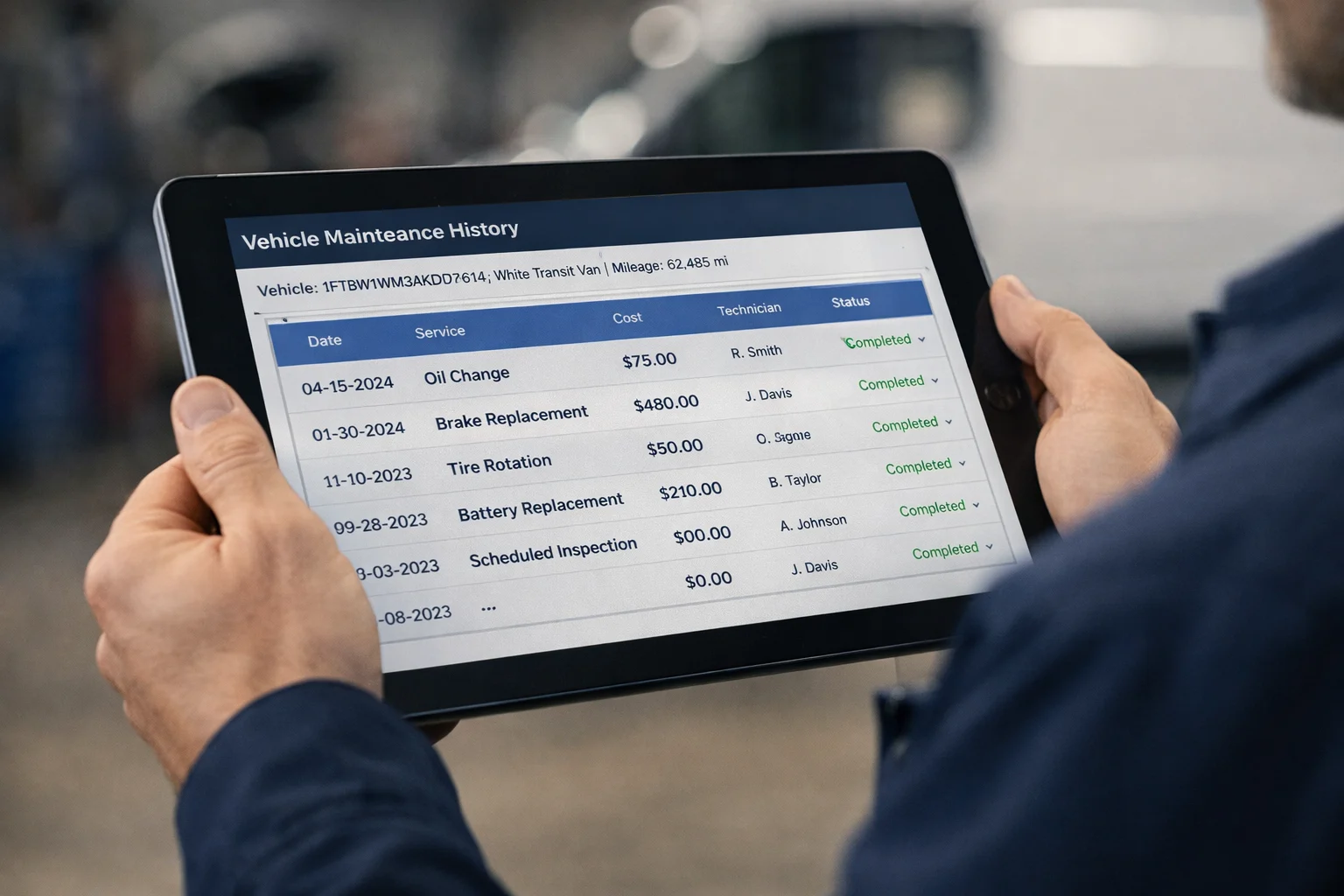
Every completed, cancelled, or overdue service entry is logged against the vehicle — with estimated and actual cost, assigned technician, service notes, and odometer and engine hours snapshots at the time of logging.
- Estimated and actual cost tracking per service
- Technician assignment per maintenance item
- Service notes and priority levels
- Odometer and engine hours snapshot at log time
Frequently asked questions
How can I schedule maintenance?
By date, by kilometres driven or by engine hours.
Does the system detect overdue services?
Yes. Overdue items are detected automatically and cycles roll over once a service is completed.
Why schedule by engine hours?
For machines and vehicles where wear depends on running time rather than distance, such as construction equipment.
What is cycle rollover?
Once a service is completed, the next interval starts automatically, so recurring maintenance keeps itself scheduled.
Which maintenance interval should I choose?
Follow the manufacturer's schedule. Kilometres suit road vehicles, engine hours suit machinery and dates suit vehicles that rarely move.
How does maintenance scheduling reduce costs?
Regular service helps avoid breakdowns, unplanned downtime and early wear, and keeps vehicles in better condition for resale.
Industry solution: Construction