Five report types, one platform
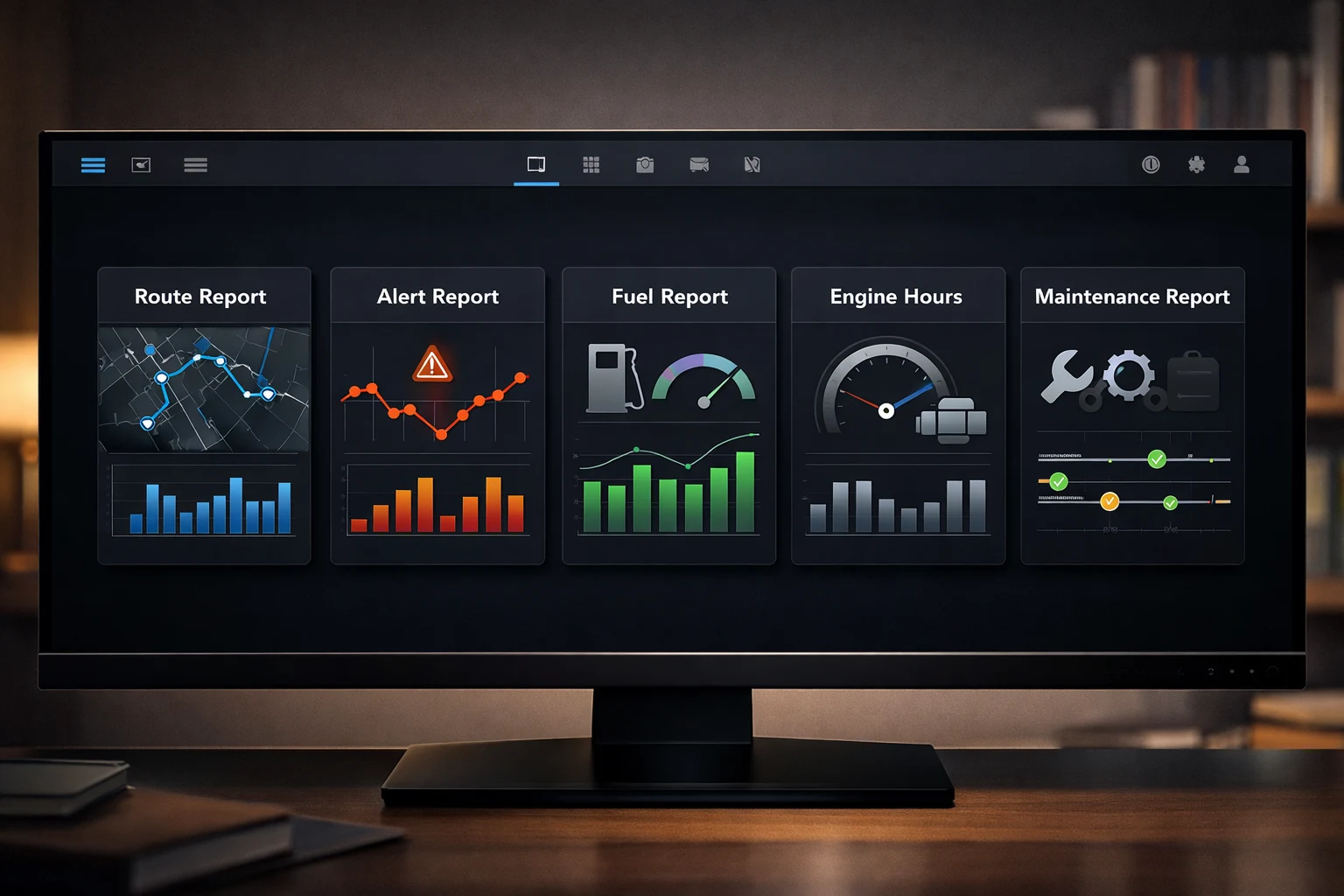
FlottaGPS includes five dedicated report modules covering routes, alerts, fuel consumption, engine hours, and maintenance records. Every report can be previewed instantly in the browser for single-day ranges.
- Route reports: trip timeline, stops, speed breakdown
- Alert reports: history by type, severity, and location
- Fuel reports: consumption, refill events, anomaly detection
- Engine hours and maintenance cost reports
Export, share, and re-download any time
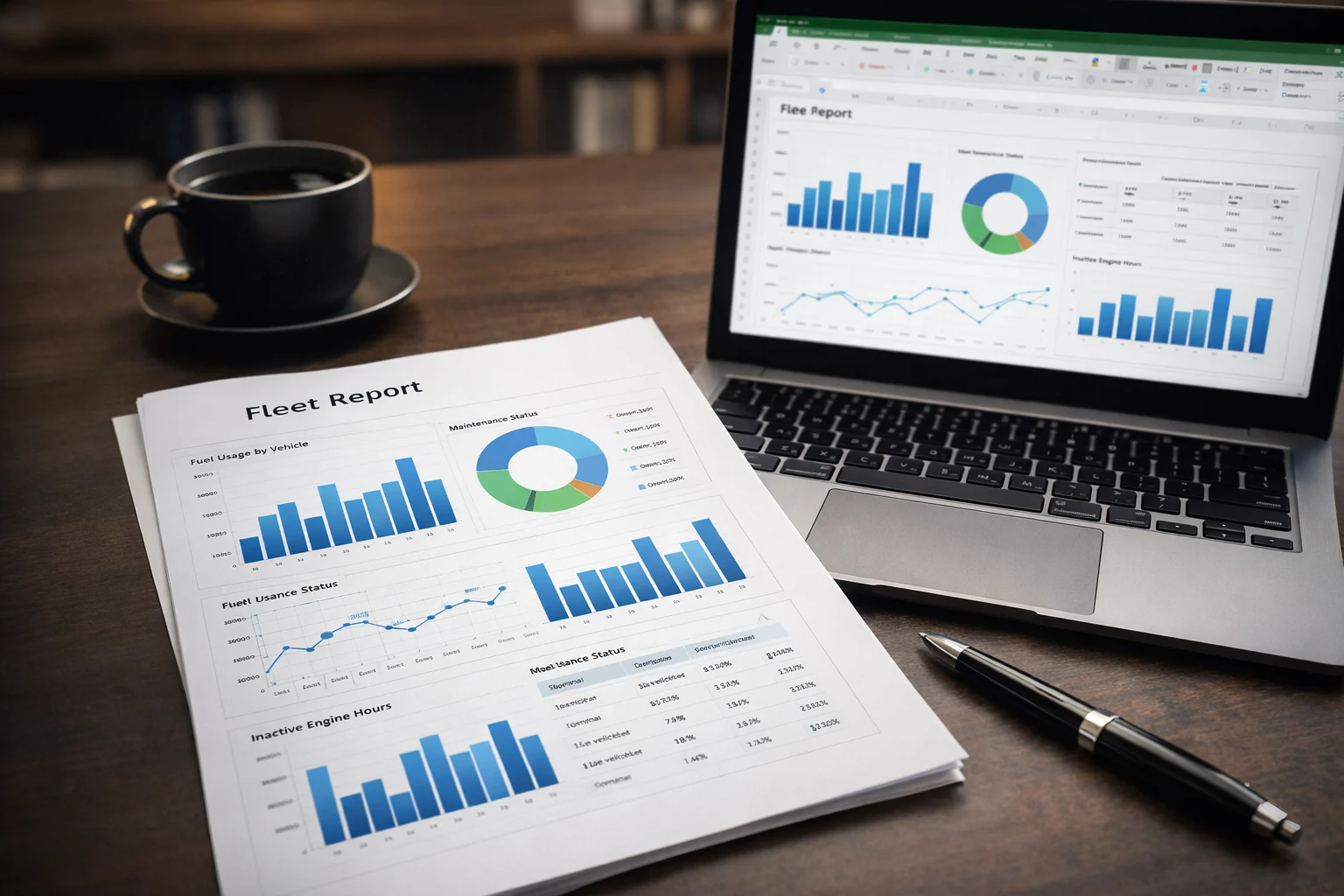
For weekly, monthly, or custom date ranges, reports are generated asynchronously and queued for download. Export to PDF for client sharing or Excel for further analysis — and re-download any previous report from your full report history.
- PDF export for client-ready reports
- Excel export for further analysis
- Async generation for multi-day and monthly ranges
- Full report history with re-download support
Frequently asked questions
Which reports are available?
Five report types, including route history, alerts, fuel consumption, engine hours and maintenance.
Can I export reports?
Yes, to PDF or Excel.
What about long date ranges?
Reports for long periods are generated asynchronously, so wide date ranges and large fleets do not block your work.
Which report helps control fuel costs?
The fuel consumption report. Compare vehicles and periods to spot unusual use, and combine it with route reports to see why.
What is an engine hours report used for?
To follow how long machines and vehicles actually run. It supports maintenance planning and billing by usage time.
Can I share reports with my accountant or customers?
Yes. Export any report to PDF or Excel and share the file.
Industry solution: Enterprise