Complete vehicle control from any device
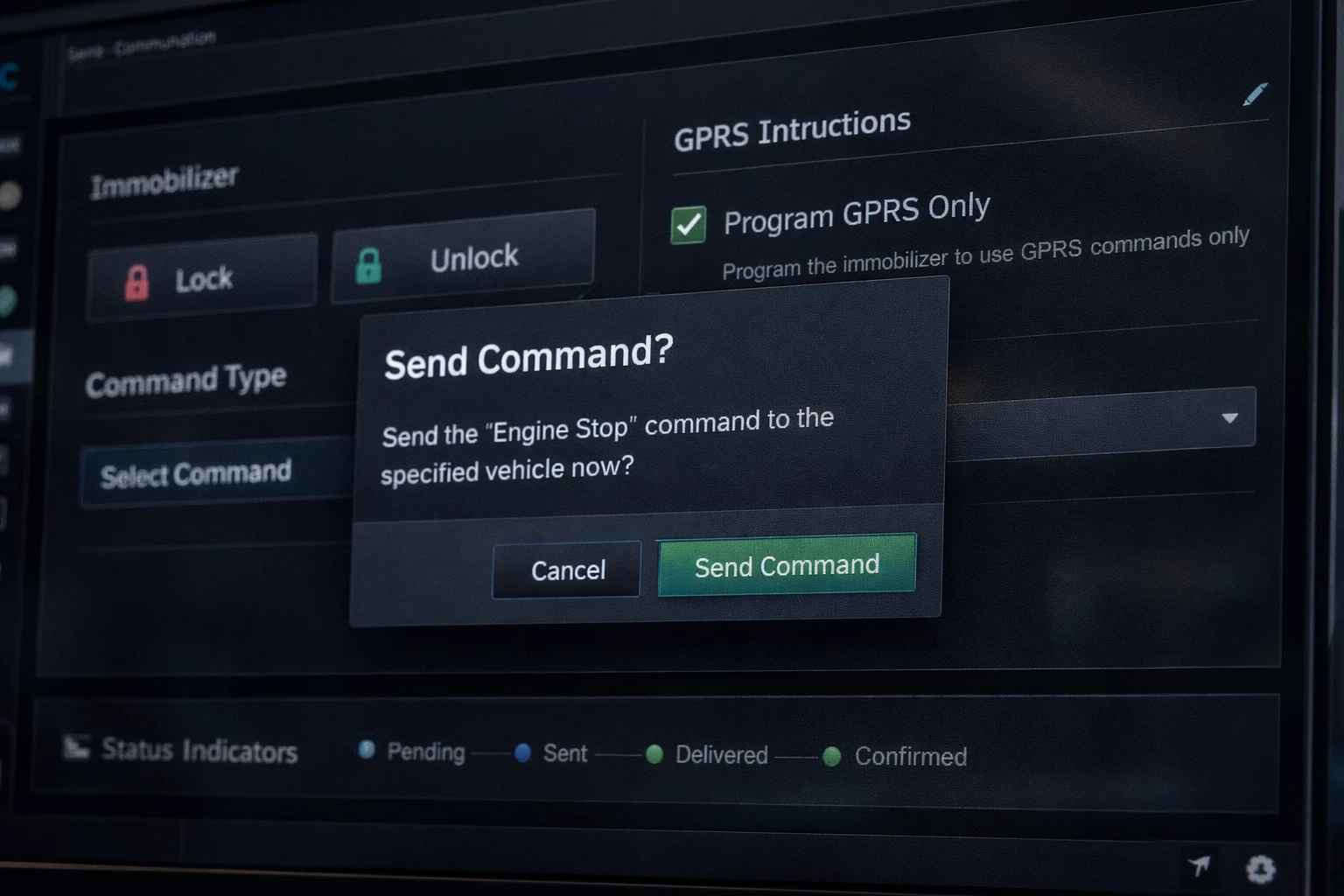
Send immobilizer lock and unlock commands, trigger GPRS instructions, or dispatch template-based commands predefined for your device model — from any browser, on any device, from anywhere in the world.
- Immobilizer lock and unlock from any browser
- Master immobilizer modes: always on, always off, reset
- Template-based commands per device model
- Custom GPRS and SMS fallback commands
Every command, tracked and confirmed
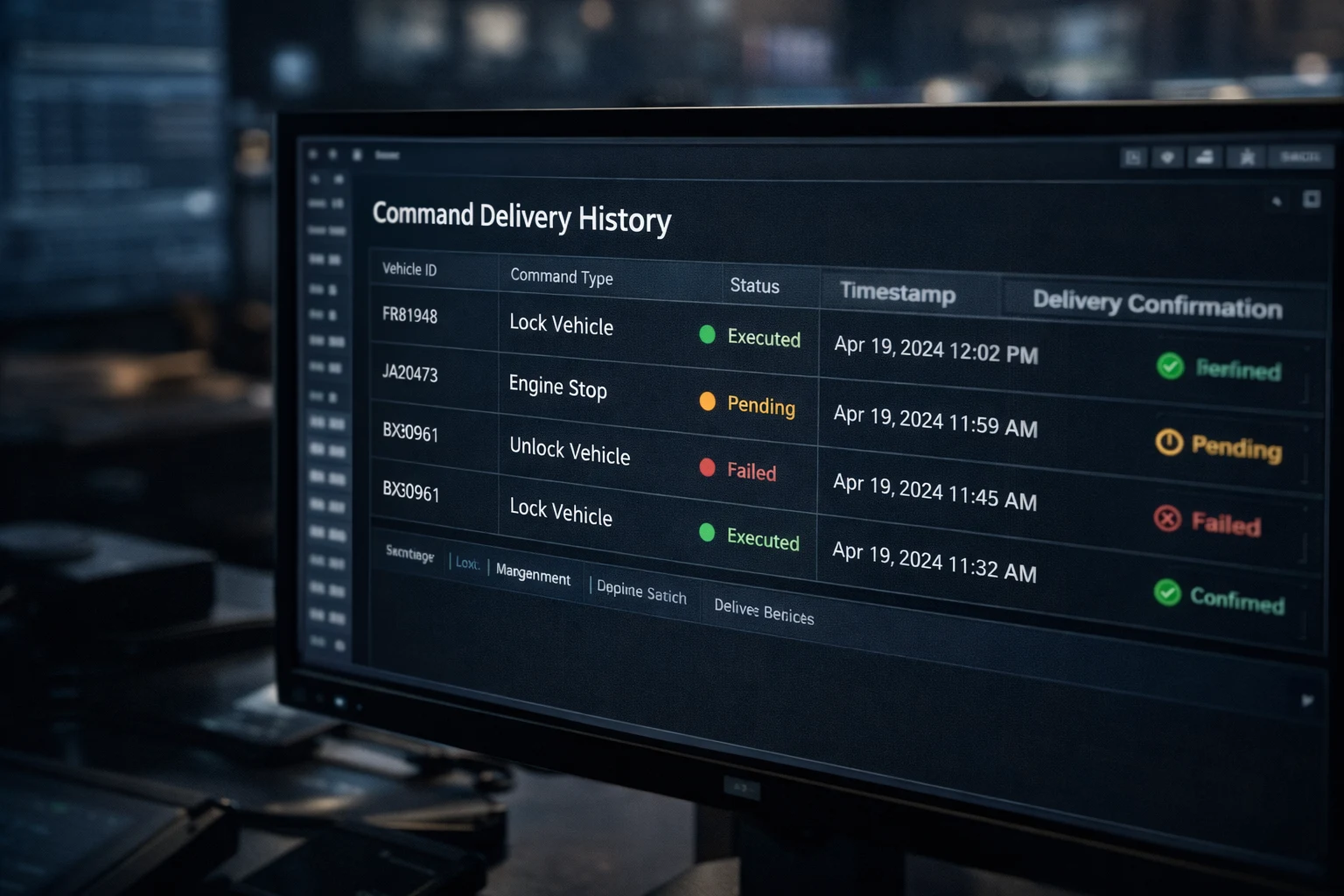
Commands move through a real-time status pipeline — Queued, Pending, Sent, Executed, or Failed — with WebSocket updates at every stage. A full command history is stored per vehicle so you always know what was sent, when, and what happened.
- Real-time command status pipeline with WebSocket updates
- Command states: Queued, Pending, Sent, Executed, Failed
- Full delivery history per vehicle
- Retry support for failed commands
Frequently asked questions
What can I send to a vehicle?
Immobilizer commands, custom GPRS instructions and template-based controls such as lock and unlock.
Are commands logged?
Yes. Every command is stored in a full command history.
Can I reuse commands?
Yes. Templates let you save frequent commands and send them again in a few clicks.
What is a remote immobilizer?
A device function that prevents the engine from starting or interrupts a critical circuit. You trigger it remotely from the platform.
Is it safe to immobilize a moving vehicle?
As a rule, use immobilization on stationary vehicles and follow your own safety procedure. How a command is applied depends on the device and its installation.
What are custom GPRS commands?
Instructions sent to the device over mobile data, for example to change a setting or switch an output. Available commands depend on the device model.
Industry solution: Vehicle Leasing